To access your My Recycle account, follow these steps:
1
Retrieve your User Name and Password from WhatsApp, then go to the login page by opening this link in your browser https://droppoint.recycleme.id/
2
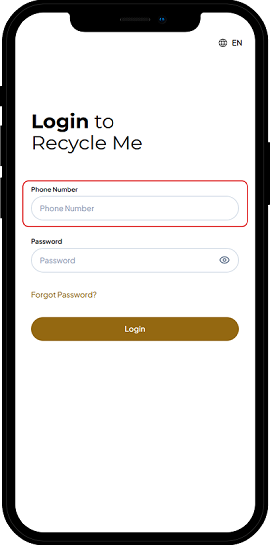
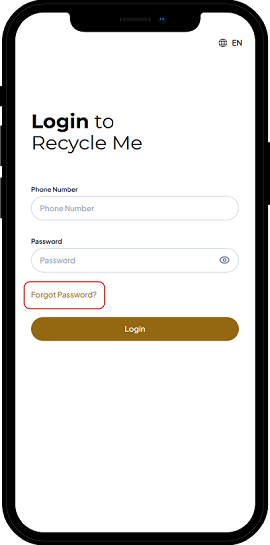
You can log in to the My Recycle app by entering the phone number you registered with the Recycle Me app
3
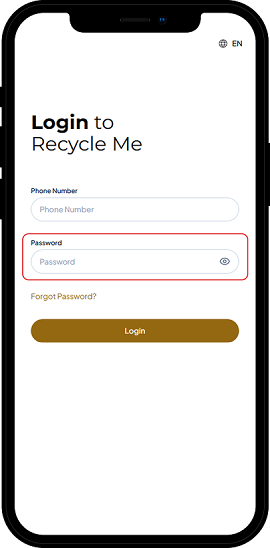
Enter the password, and click the eye symbol on the right to check that it is correct
4
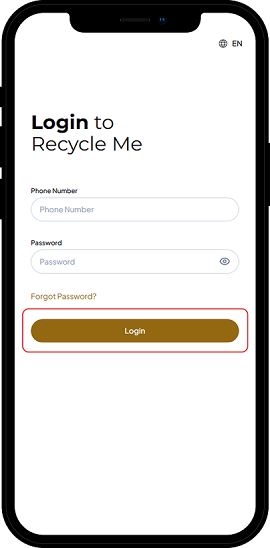
After verifying the number and password, click 'Log In'
5
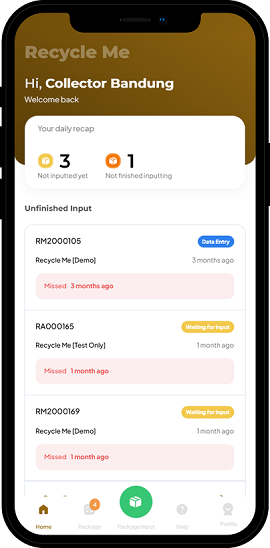
Success! You're logged into the My Recycle
If a Drop Point Partner encounters issues logging in due to an incorrect password or wishes to change their password, they can reset it by following these steps:
1
On the main page, click “Forgot Password”
2
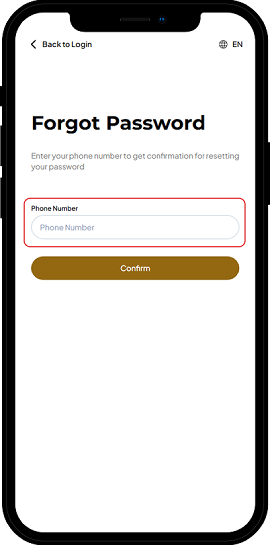
Enter the phone number registered in the Recycle Me application
3
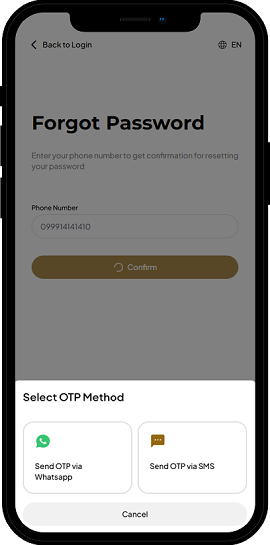
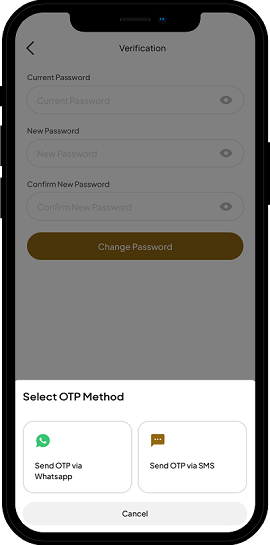
Select the method to receive the OTP code
4
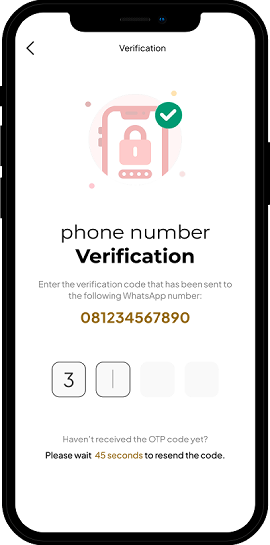
Enter the OTP code sent via SMS or WhatsApp message
5
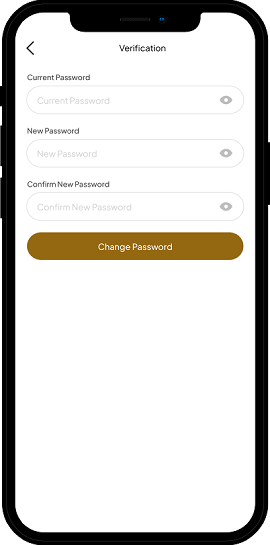
Create a new password, confirm it, then click “Change Password”
6
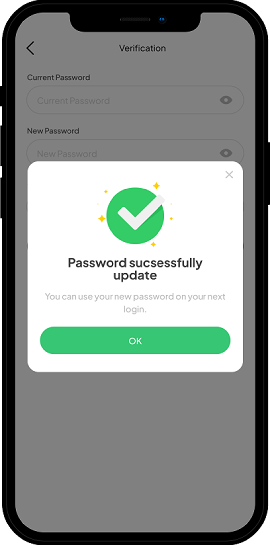
Select the method to receive the OTP code again and enter the OTP sent via SMS or WhatsApp message